
Shopify app · Now live
 DTCUP AI Blog Studio
From an idea to an article your team can own.
Create Shopify blog drafts shaped by your topics, keywords, products and brand guidance. Edit the result, add images, and choose when it goes live.
Listed on Shopify as DTCUP AI Blog Post. A free plan is available; installation and current pricing are shown on Shopify.
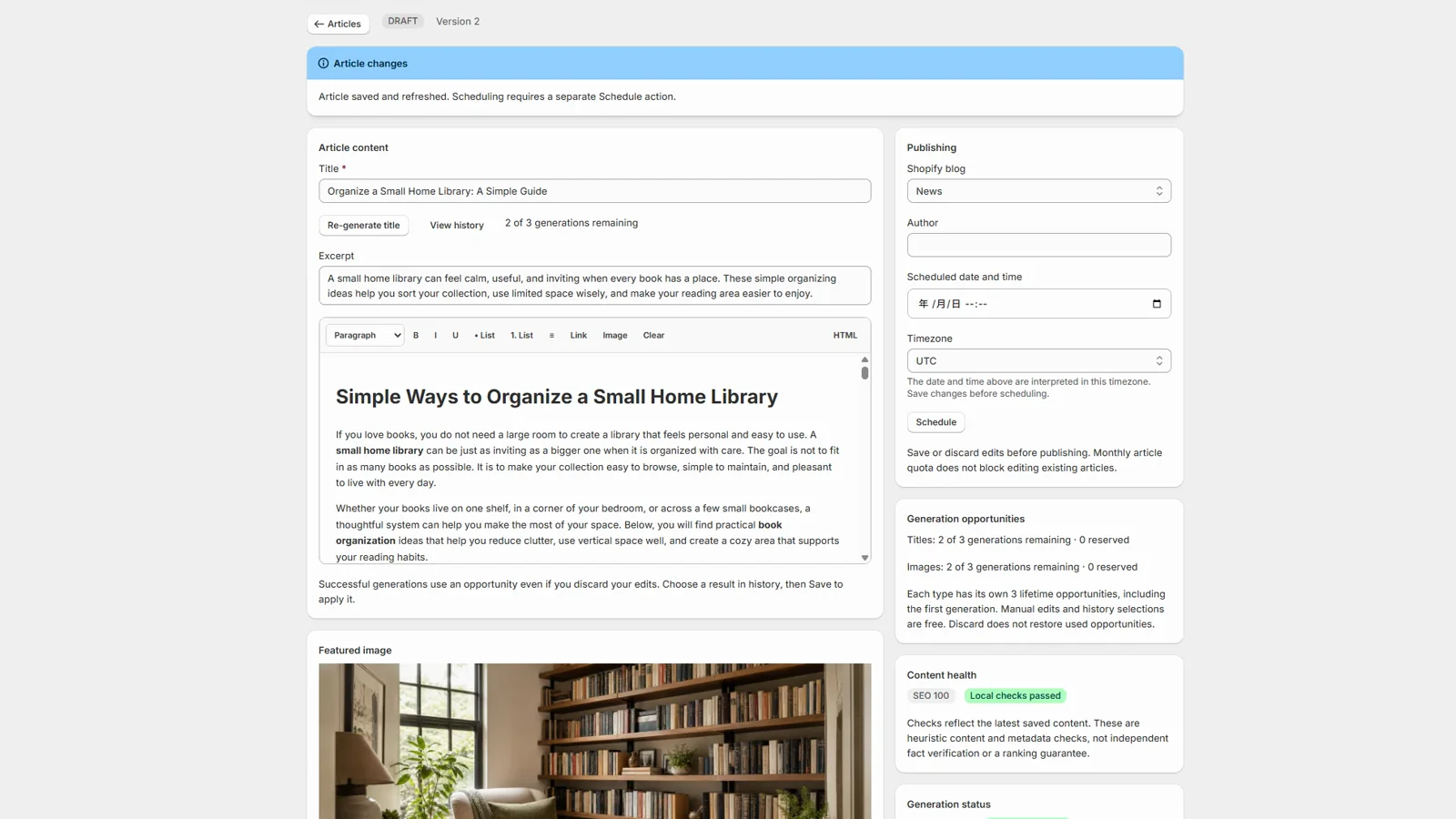
Actual app interface from the published Shopify listing
The workflow
Useful content starts with your store, not a blank prompt.
Give the app direction, then keep your team in control of the article before it reaches your storefront.
Set the direction
Choose a topic, primary keyword, search intent and brand voice. Add product context and an outline when the article needs it.
Build an editable draft
Generate article text and images, then refine the result inside the Shopify app. Bulk creation is available on eligible plans.
Keep editorial control
Review content, image choices and generation history. Check AI-written claims and make the final edits yourself.
Choose the moment
Publish manually, schedule an article, or use automated workflows where your plan includes them.
01 / Brief
Make the first decision before you generate.
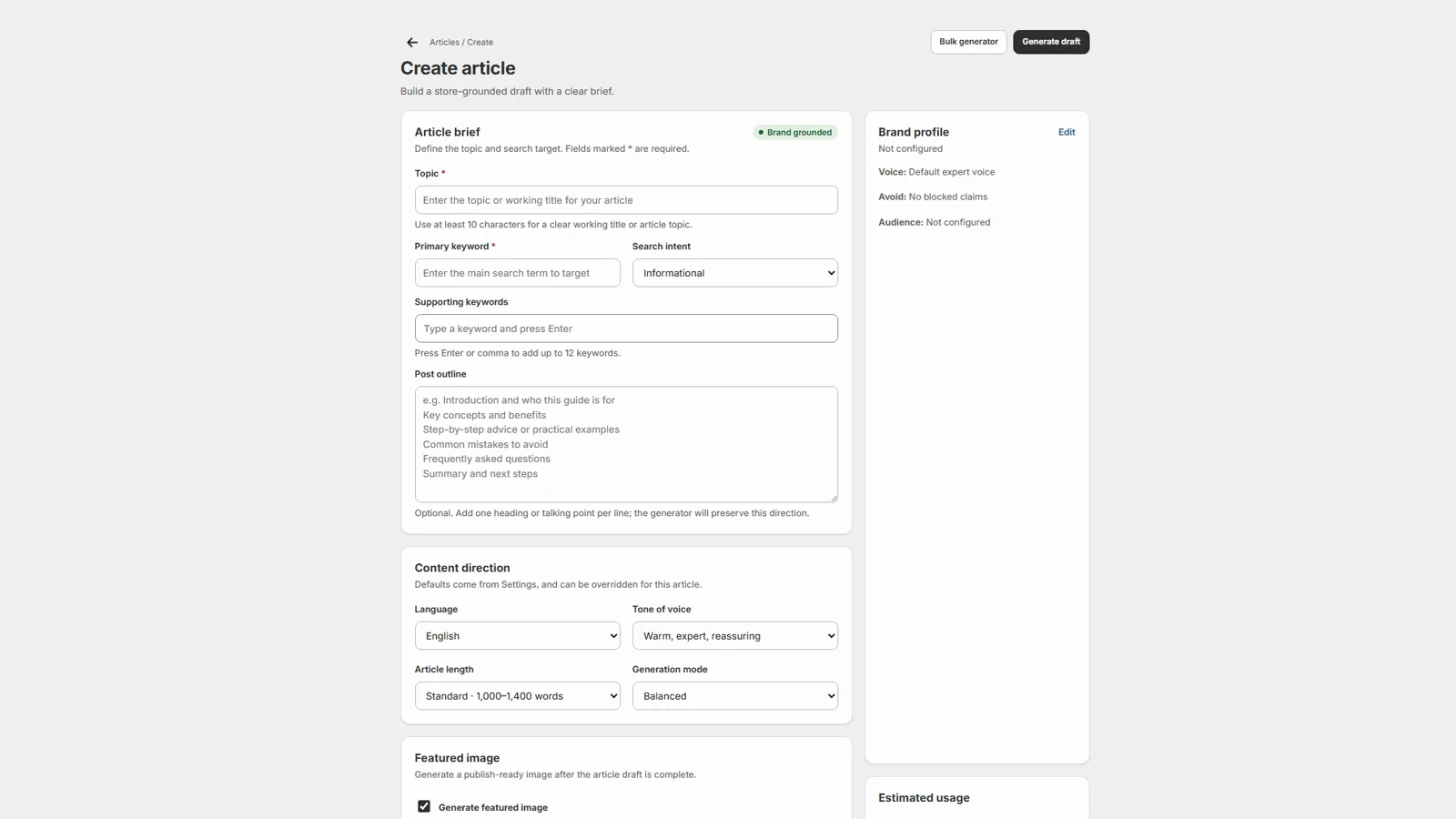
A practical brief gives the draft a topic, search target and tone. It also gives your editor a clear point of view to assess.
- Topic and keyword direction
- Search intent and outline
- Brand and product context
02 / Edit & publish
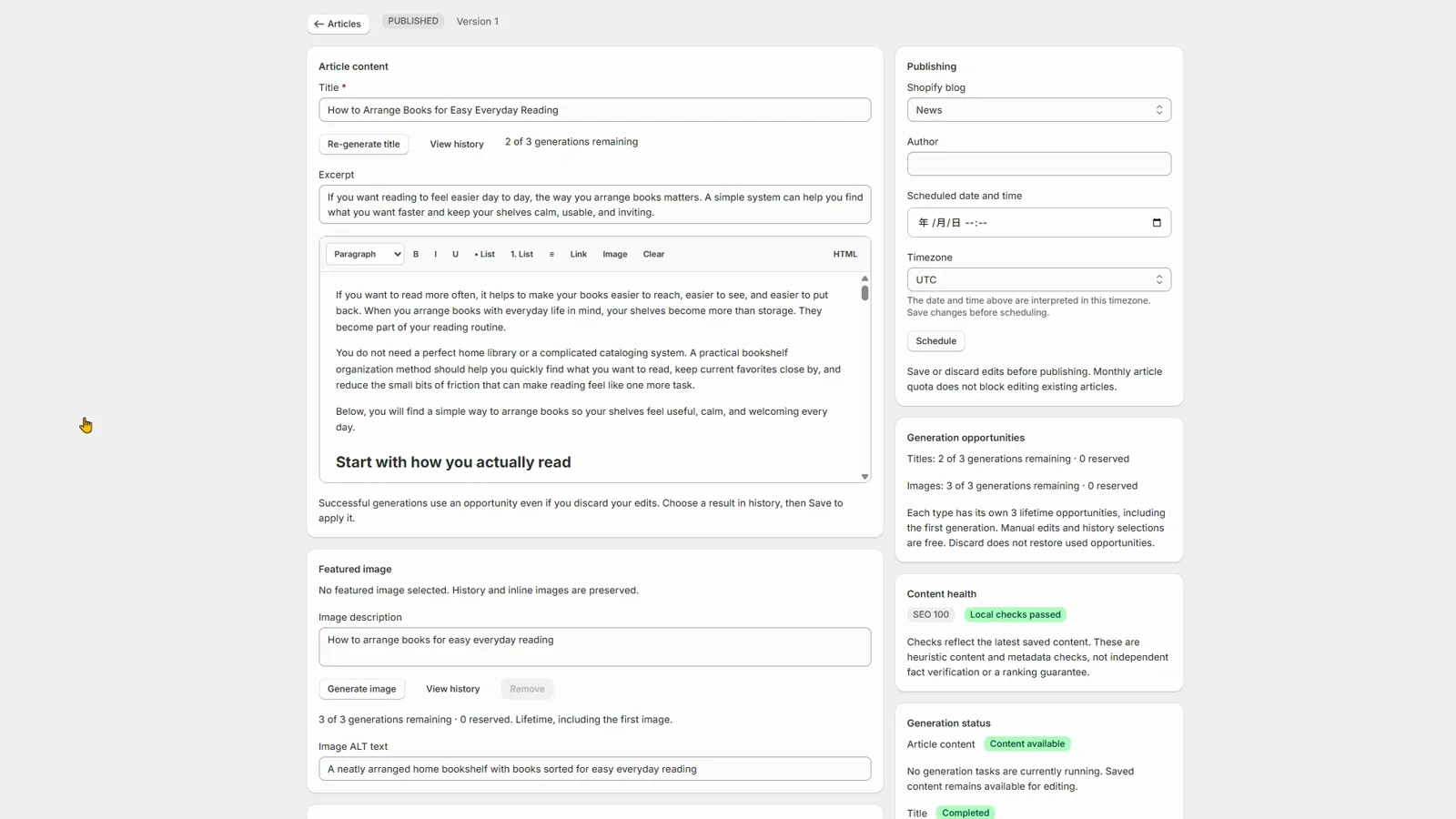
AI drafts the first version. You decide what ships.
Work with editable text and featured images, revisit generation history, and publish through your Shopify blog. Scheduling and automation are available on eligible plans.
See the app and plans on ShopifyBuilt for a real editorial workflow
Publish more deliberately.
Use AI to get past the first draft while keeping your store's voice, product facts and approval standards in view. The app supports a content process; it does not guarantee search rankings, traffic or sales.
Explore DTCUP AI Blog PostAn app subscription, not a development project
Install DTCUP AI Blog Post from Shopify. A free plan is available; current prices, article allowances and billing options are shown before you confirm a paid plan.
Start with editable drafts
Create articles using topics, keywords, brand guidance and product context. Review the text and images before publishing.
Scale the workflow when you need it
Bulk creation, scheduling and automated content workflows depend on the selected plan. They are not included in every subscription.
Using DTCUP AI Blog Post
Are AI Blog and AI Blog Studio different products?
No. Both DTCUP website names refer to the same published Shopify app, DTCUP AI Blog Post. This page explains its full workflow; the other page is a short introduction.
Where do I install and manage my subscription?
Install from the Shopify App Store and manage the app inside your Shopify admin. Review the plan and confirm paid charges through Shopify; you do not need to request a custom development quote.
What can I use to guide an article?
Provide a topic, keywords, search intent, brand guidance and relevant product information. Add an outline when the article needs a specific structure.
Can I edit the article and images before publishing?
Yes. The app creates editable drafts, supports image generation and keeps generation history. Your team reviews the content and decides what reaches the store.
Does the app publish everything automatically?
No. Manual publishing is available. Scheduling, bulk generation and automated workflows are plan-dependent; choose and configure them only when they fit your editorial process.
Is AI-written content guaranteed to be accurate or rank?
No. Check product facts, claims, links and image choices before publication. The app supports your content workflow; it does not guarantee rankings, traffic or sales.
Does this include CRM, FAQ management or phone support automation?
No. This is the Shopify blog-content app. Do not treat its subscription as access to other DTCUP products or as permission to use private CRM knowledge.
Where can I get help with the app?
Contact admin@dtcup.com with the affected store, task and error message. Never send your password. App data practices are described in the app privacy policy.